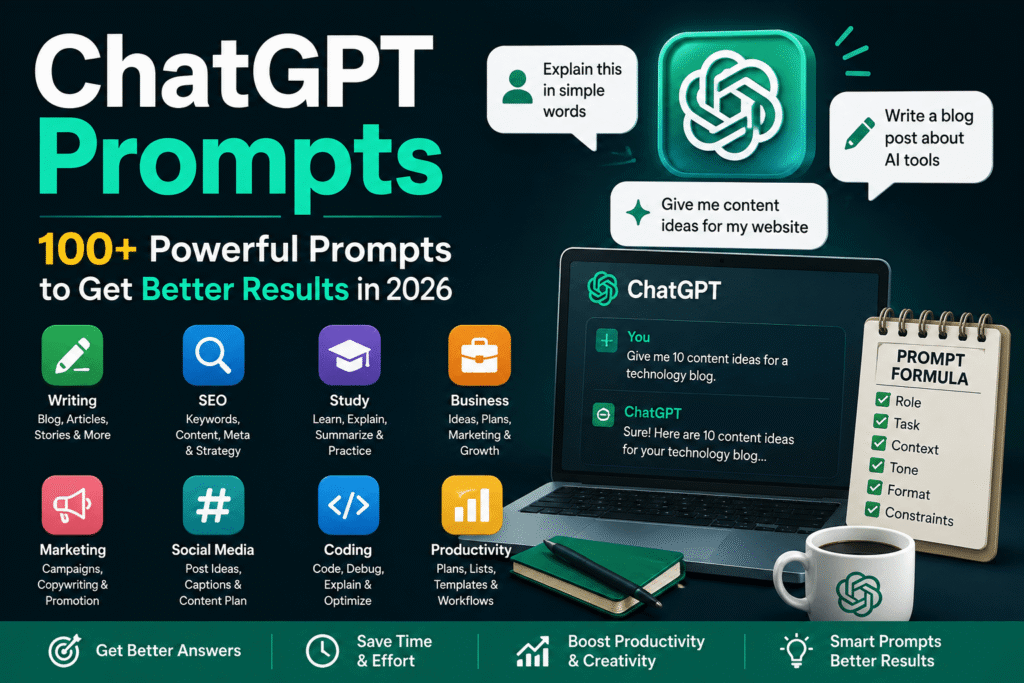

Artificial intelligence has changed the way people work, learn, write, research, and solve everyday problems. Among the many AI tools available today, ChatGPT has become one of the most widely used assistants for generating ideas, answering questions, creating content, explaining difficult subjects, and improving productivity. However, the quality of the response often depends on how clearly the user communicates with the AI.
This is where ChatGPT Prompts become important. A well-written prompt gives ChatGPT the context, goal, instructions, and format needed to produce a more useful response. Whether you are a student, blogger, marketer, business owner, developer, researcher, or casual user, learning how to create effective prompts can help you get significantly better results.
What Are ChatGPT Prompts?
ChatGPT prompts are instructions, questions, or commands that users provide to ChatGPT to guide its response. A prompt can be as simple as asking a question or as detailed as providing a complete role, objective, audience, tone, limitations, and output format.
For example, instead of asking:
“Write a blog post.”
You could provide a more useful instruction:
“Act as an experienced technology writer. Create a beginner-friendly blog post about artificial intelligence, using clear headings, practical examples, and simple English.”
The second instruction provides more context, making it easier for the AI to understand what the user actually wants.
Why Are Good Prompts Important?
AI can generate impressive results, but vague instructions can lead to generic or unsuitable answers. Effective prompts reduce confusion and help guide the response toward a specific objective.
Good prompts can help users:
- Save time
- Generate better ideas
- Create organized content
- Learn difficult topics
- Improve writing
- Conduct research
- Develop marketing strategies
- Analyze information
- Write and debug code
- Plan projects
- Create social media content
How ChatGPT Prompts Work
A prompt essentially acts as an instruction for the AI. The system analyzes the words, context, and requirements in the prompt before generating a response.
The more relevant information you provide, the easier it becomes to produce an appropriate answer. However, adding unnecessary information can make a prompt confusing.
The Basic Structure of a Strong Prompt
A useful prompt can contain several important elements:
Role: Tell the AI what perspective it should use.
Task: Clearly explain what you want it to accomplish.
Context: Provide relevant background information.
Audience: Explain who will read or use the result.
Tone: Specify whether the response should be professional, friendly, technical, simple, persuasive, or conversational.
Format: Tell it whether you want paragraphs, bullet points, a table, steps, or another structure.
Constraints: Mention word count, language, length, or other limitations.
Example of a Structured Prompt
“Act as a professional SEO writer. Create a 1,000-word beginner-friendly article about keyword research. Use H2 and H3 headings, explain the topic with practical examples, maintain a natural tone, and avoid unnecessary repetition.”
This type of instruction is much more precise than simply saying, “Write about keyword research.”
Best ChatGPT Prompts for Writing
Writers can use AI to brainstorm, organize, edit, and improve their work. The key is to give the AI a clear objective rather than expecting it to automatically understand the desired result.
ChatGPT Prompts for Blog Writing
A useful blog prompt could be:
“Act as an experienced blog writer. Create an informative article about [topic] for beginners. Use a strong introduction, logical H2 and H3 headings, practical examples, and a helpful conclusion. Keep the language natural and easy to understand.”
ChatGPT Prompts for Rewriting
For improving existing content:
“Rewrite the following text in clear, natural English while preserving the original meaning. Remove unnecessary repetition and improve sentence flow.”
ChatGPT Prompts for Ideas
For content planning:
“Give me 30 original content ideas about [topic]. Separate them into beginner, intermediate, and advanced topics and make each idea suitable for a separate article.”
ChatGPT Prompts for SEO
Search engine optimization is another area where AI can assist with planning and content development.
Keyword Research Prompt
“Act as an SEO specialist. Generate relevant primary, secondary, and long-tail keywords for [topic]. Group the keywords according to search intent and identify informational, commercial, and transactional opportunities.”
Content Brief Prompt
“Create a detailed SEO content brief for the keyword [keyword]. Include search intent, suggested headings, related topics, questions readers may ask, and important points that should be covered.”
Meta Description Prompt
“Write five compelling meta descriptions for an article targeting [keyword]. Keep them concise, natural, informative, and suitable for search results.”
AI-generated SEO suggestions should still be reviewed manually. Search trends, competition, relevance, and actual user intent should be evaluated before publishing content.
ChatGPT Prompts for Students
Students can use AI as a learning assistant rather than simply asking it to provide answers.
Learning Prompt
“Explain [subject] as if I am a beginner. Start with the basic concept, then gradually introduce more difficult ideas. Use simple examples and finish with five questions to test my understanding.”
Study Plan Prompt
“Create a seven-day study plan for [subject]. Divide the material into manageable daily sessions and include revision and practice time.”
Difficult Topic Prompt
“Explain [topic] using a simple real-world example. Avoid complicated terminology unless you define it first.”
These approaches can make studying more interactive and encourage better understanding.
ChatGPT Prompts for Business
Business owners can use AI for brainstorming, planning, customer communication, and market research.
Business Idea Prompt
“Act as a business consultant. Give me 15 realistic online business ideas based on [skills, budget, or industry]. For each idea, explain the target customer, basic requirements, possible challenges, and growth opportunities.”
Customer Service Prompt
“Write a polite and professional response to a customer who is unhappy about [issue]. Acknowledge the concern, apologize where appropriate, explain the solution, and maintain a helpful tone.”
Marketing Prompt
“Create a marketing campaign for [product]. Identify the target audience, main selling points, content ideas, promotional messages, and suitable marketing channels.”
ChatGPT Prompts for Social Media
Social media creators can use AI to brainstorm posts and develop content calendars.
A useful instruction is:
“Create 20 social media post ideas for a [type of business] targeting [audience]. Include educational, entertaining, promotional, and engagement-focused ideas.”
You can also ask the AI to adapt one idea for different platforms and audiences.
ChatGPT Prompts for Coding
Developers can use ChatGPT to understand code, find bugs, and explore programming concepts.
Debugging Prompt
“Act as a senior software developer. Review the following code, identify potential problems, explain why they occur, and provide a corrected version. Also explain the changes in simple language.”
Learning Programming Prompt
“Teach me [programming language] from beginner level. Create a structured learning path with concepts, examples, exercises, and small projects.”
It is important to test generated code carefully because AI-generated programming solutions can contain mistakes.
How to Create Better ChatGPT Prompts
Creating effective instructions becomes easier with practice. Start by identifying exactly what you want.
Be Specific
Instead of saying “Help me with marketing,” explain the exact marketing task.
For example:
“Create a three-month content strategy for a small technology website targeting beginner users.”
Provide Context
If the AI does not know important background information, its response may be too generic. Include details about your audience, industry, goals, and limitations.
Define the Output
Tell ChatGPT how you want the information presented. You might request headings, tables, numbered steps, bullet points, examples, or short paragraphs.
Improve the Prompt Through Follow-Up Questions
You do not always need to create a perfect instruction on the first attempt. Start with your objective and then ask ChatGPT to refine, expand, simplify, or reorganize its response.
Common Mistakes When Using ChatGPT Prompts
One common mistake is giving extremely short instructions without context. Another is putting several unrelated tasks into one confusing request.
Users should also avoid assuming that every AI-generated statement is automatically correct. Important facts, statistics, technical information, and current events should be independently verified when accuracy matters.
Another mistake is relying completely on AI without adding personal experience or original insight. AI works best as an assistant that supports human judgment and creativity.
Advanced ChatGPT Prompt Techniques
Experienced users can make their instructions more effective by asking the AI to follow a specific process.
Ask for Multiple Approaches
Instead of requesting one answer, ask for several alternatives and compare them.
For example:
“Provide three different strategies for solving this problem. Explain the advantages and disadvantages of each and recommend the most practical option.”
Ask for Criticism
You can also ask ChatGPT to evaluate its own proposed solution:
“Review the answer above. Identify weaknesses, missing information, assumptions, and areas that could be improved.”
This can help uncover issues that may not be obvious in the initial response.
Use Examples
If you want a particular writing style or structure, provide an example and explain what characteristics should be followed. Examples can make your expectations much clearer.
Final Thoughts on ChatGPT Prompts
Learning how to write effective ChatGPT Prompts can make AI much more useful for everyday tasks. A strong instruction does not need to be complicated. It simply needs to communicate the objective clearly and provide enough context for the desired result.
Whether you are creating articles, studying for an exam, developing a business strategy, writing code, managing social media, or researching a new subject, the quality of your instructions can significantly influence the usefulness of the response.
The best approach is to treat ChatGPT as a collaborative assistant. Give it a clear goal, provide relevant context, specify the desired format, review the result, and improve the instruction when necessary. With consistent practice, you can create prompts that produce more focused, practical, and valuable results.