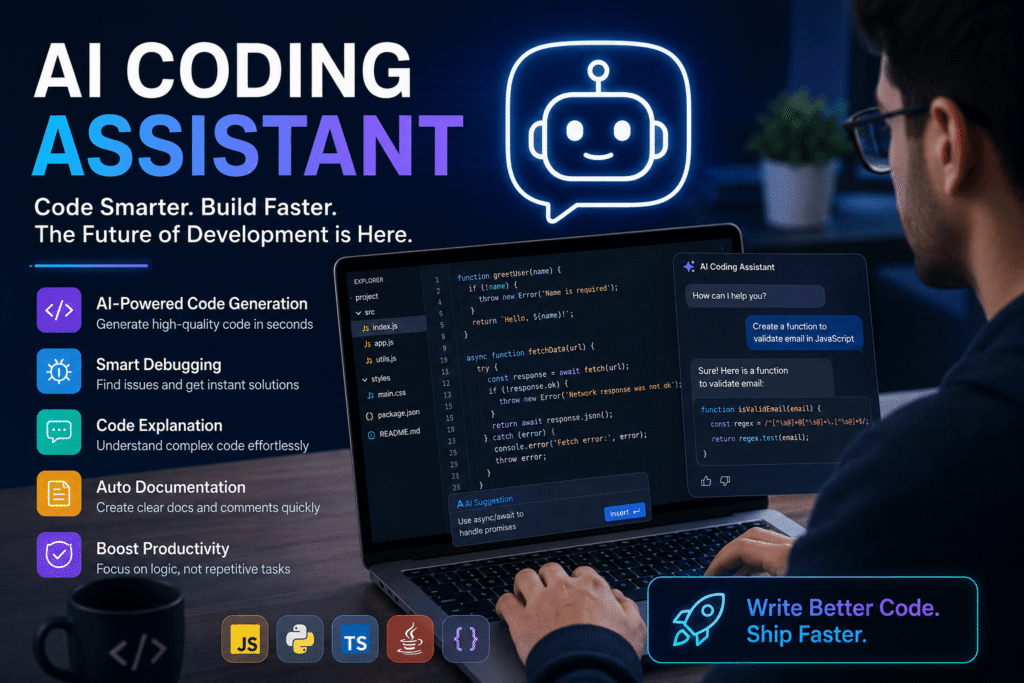

Software development is changing rapidly, and artificial intelligence is becoming an important part of the modern programmer’s workflow. An AI Coding Assistant can help developers write code, understand unfamiliar projects, identify errors, generate documentation, and complete repetitive programming tasks. Instead of replacing developers, these tools are designed to work alongside them and make everyday coding faster and more efficient.
From beginners learning their first programming language to experienced engineers working on large applications, AI-powered development tools are becoming increasingly useful. They can provide suggestions directly inside an editor, explain complicated functions, generate tests, and sometimes handle multi-step coding tasks with limited supervision.
This guide explains what an AI Coding Assistant is, how it works, its major benefits and limitations, and how developers can choose the right solution in 2026.
What Is an AI Coding Assistant?
An AI Coding Assistant is a software tool that uses artificial intelligence and machine learning to support developers during programming. It can analyze natural-language instructions and existing source code to produce useful programming suggestions.
For example, a developer might describe a feature in plain English and ask the tool to create the basic implementation. The assistant may generate code, explain the result, or suggest improvements.
Modern solutions can support many programming languages, including Python, JavaScript, TypeScript, Java, C++, Go, PHP, and others. Their capabilities vary depending on the underlying AI model, development environment, and available integrations.
How Does an AI Coding Assistant Work?
Most modern coding assistants rely on large AI models trained to understand programming languages and natural language. When a developer requests help, the system analyzes the prompt and relevant code context before producing a response.
The process can include:
- Understanding the developer’s request
- Examining nearby source code
- Predicting or generating code
- Explaining programming concepts
- Detecting potential errors
- Suggesting improvements
- Creating tests or documentation
More advanced systems can understand multiple files and project structures. This allows them to provide more useful assistance than simple autocomplete systems.
Why Are AI Coding Assistants Becoming Popular?
Developers often spend significant time on repetitive tasks such as writing boilerplate code, creating tests, debugging straightforward errors, and documenting functions. Artificial intelligence can reduce the amount of manual work involved in these activities.
Faster Code Development
One of the biggest advantages is speed. Developers can describe a desired function and receive an initial implementation within seconds. They can then review, modify, and integrate the generated code.
This does not eliminate the need for programming knowledge. Instead, it can reduce the time required to move from an idea to a working prototype.
Better Debugging Support
Finding bugs can be one of the most time-consuming parts of software development. AI tools can inspect code and explain possible problems in a more accessible way.
A developer can provide an error message and ask what caused it. The assistant may identify the problematic section and suggest several potential solutions.
Easier Learning for Beginners
New programmers can use AI assistance as an interactive learning companion. Instead of simply receiving an answer, they can ask why a particular approach works and request explanations of unfamiliar concepts.
For beginners, this can make programming less intimidating. However, learners should still understand the fundamentals rather than depending entirely on generated solutions.
Key Features to Look For
Not every coding assistant offers the same capabilities. Before choosing a tool, developers should consider the features that matter most to their workflow.
Intelligent Code Completion
Basic autocomplete predicts the next few characters or words. Modern AI systems can go further by predicting complete lines, functions, or larger sections of code.
Good completion systems can understand the surrounding context and produce suggestions that fit the existing project.
Natural-Language Code Generation
Natural-language prompts allow developers to describe what they want without manually writing every instruction.
For example, a developer might request a user authentication system, a database query, or a responsive interface. The assistant can create a starting point that the developer can inspect and customize.
Code Explanation
Understanding existing code is another important capability. Developers working on older projects can ask an AI tool to explain a function, class, API call, or complex algorithm.
This can reduce the time needed to understand unfamiliar codebases.
Testing and Documentation
Writing tests and documentation is essential but often repetitive. AI systems can generate initial unit tests, comments, documentation, and usage examples.
Developers should always review these outputs to ensure that they accurately describe the software.
Popular AI Coding Assistant Options in 2026
The market now includes several major solutions, each with a different approach.
GitHub Copilot
GitHub Copilot is one of the best-known AI development assistants. It provides coding suggestions and supports developers across popular programming environments.
It is particularly useful for developers who want AI assistance integrated into their existing development workflow.
Cursor
Cursor is an AI-focused code editor designed around assisted programming. It provides features for generating and editing code while allowing developers to interact with project context.
Its AI-first approach makes it attractive to developers who want deeper AI integration within their coding environment.
Claude Code
Claude Code focuses strongly on agent-style programming workflows. Instead of only suggesting individual lines, it can assist with broader development tasks and interact with project files through supported workflows.
This approach can be useful when a developer wants assistance with larger changes rather than simple autocomplete.
Windsurf
Windsurf is another AI-oriented development environment that focuses on contextual assistance and agentic coding workflows. It aims to help developers work across projects while maintaining awareness of relevant code.
Gemini Code Assist
Google’s Gemini Code Assist provides AI-powered programming support for developers and integrates Google’s Gemini models into coding workflows. It can assist with code generation, explanations, debugging, and other development activities.
The growing competition between these platforms means developers have more choices than ever.
AI Coding Assistant for Different Types of Developers
The best tool depends on experience, project requirements, and development habits.
Beginners
Beginners should prioritize clear explanations, simple interfaces, and educational assistance. A useful tool should help them understand why code works instead of simply providing finished solutions.
Professional Developers
Experienced developers may prioritize speed, project-wide context, debugging capabilities, integrations, and support for multiple programming languages.
For professional teams, security and privacy can also be major considerations.
Freelancers and Small Teams
Freelancers can benefit from tools that reduce repetitive work and accelerate prototyping. When one person handles development, testing, documentation, and maintenance, AI assistance can provide valuable productivity improvements.
Advantages of AI Coding Assistants
There are several reasons developers are incorporating these technologies into their workflows.
Improved productivity: Routine programming tasks can often be completed faster.
Reduced repetitive work: Boilerplate code, basic tests, and documentation can be generated automatically.
Learning support: Developers can request explanations and examples whenever they encounter unfamiliar concepts.
Faster prototyping: Ideas can be transformed into working prototypes more quickly.
Debugging assistance: AI can help developers investigate errors and identify possible causes.
Limitations and Risks
Despite their advantages, these tools are not perfect. AI-generated code can contain mistakes, inefficient logic, security vulnerabilities, or outdated approaches.
Generated Code Still Requires Review
Developers should never assume that generated code is automatically correct. Every important implementation should be reviewed, tested, and validated.
An AI model can produce code that looks convincing while containing subtle bugs.
Security Concerns
Programming assistants may handle sensitive source code, depending on the product and configuration. Organizations should carefully examine privacy policies, data controls, access permissions, and enterprise security features before adopting these tools.
Overdependence Can Hurt Learning
If beginners copy generated code without understanding it, they may struggle when the AI tool is unavailable or when a problem requires independent reasoning.
The best approach is to use AI as a learning and productivity aid rather than a replacement for fundamental programming knowledge.
How to Choose the Right AI Coding Assistant
Choosing the right platform starts with understanding your needs.
Consider the following factors:
- Supported programming languages
- Editor and IDE compatibility
- Codebase context
- Debugging capabilities
- Agentic features
- Privacy and security
- Pricing
- Team collaboration
- Integration with existing development tools
- Quality of generated code
A developer who mainly wants autocomplete may need a different solution from an engineer who wants an AI agent capable of handling larger development tasks.
Test Before Committing
Many platforms offer free trials, limited free plans, or demonstrations. Testing several options with real development tasks can provide a better understanding of which system fits your workflow.
The Future of AI-Assisted Programming
The future of AI-powered development is likely to move beyond simple code suggestions. Coding agents are increasingly capable of planning tasks, modifying multiple files, running tests, analyzing errors, and iterating on implementations.
This could change the role of developers. Instead of spending most of their time manually typing every line, developers may spend more time designing systems, reviewing implementations, testing results, and making architectural decisions.
Human judgment will remain important because software development involves security, performance, maintainability, business requirements, and user needs that cannot always be solved through code generation alone.
Final Thoughts
An AI Coding Assistant can be a powerful addition to a developer’s toolkit in 2026. These tools can accelerate coding, support debugging, explain unfamiliar concepts, generate tests, and reduce repetitive programming work.
However, the technology works best when developers remain actively involved. Generated code should be reviewed, tested, and adapted to the project’s requirements.
Whether you are a beginner, freelancer, professional engineer, or part of a large development team, AI assistance can improve your workflow when used responsibly. The strongest developers of the future will not simply know how to use AI; they will know how to evaluate its output, correct its mistakes, and combine it with strong programming fundamentals.
As AI development tools continue to evolve, learning how to work effectively with them may become just as important as learning another programming framework or language.